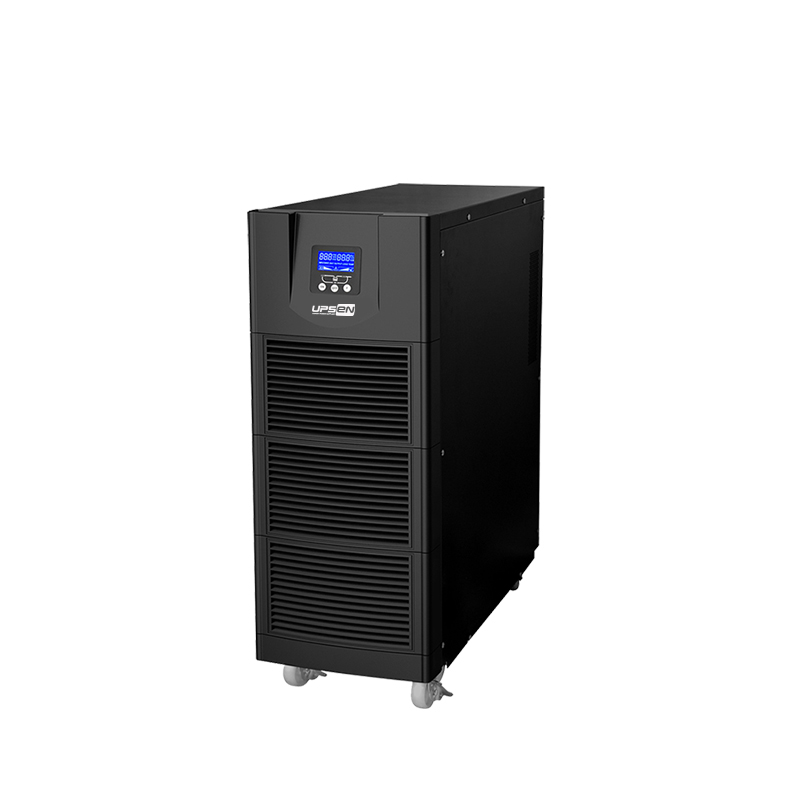
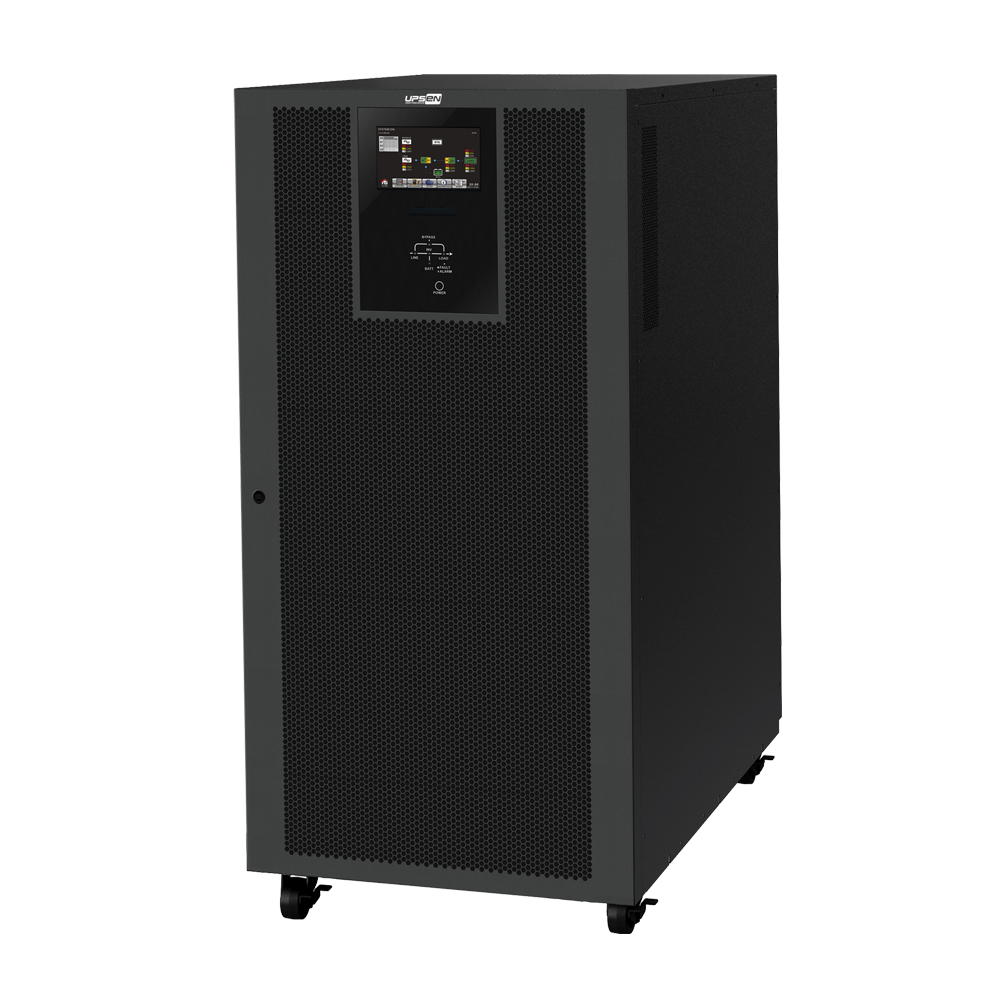
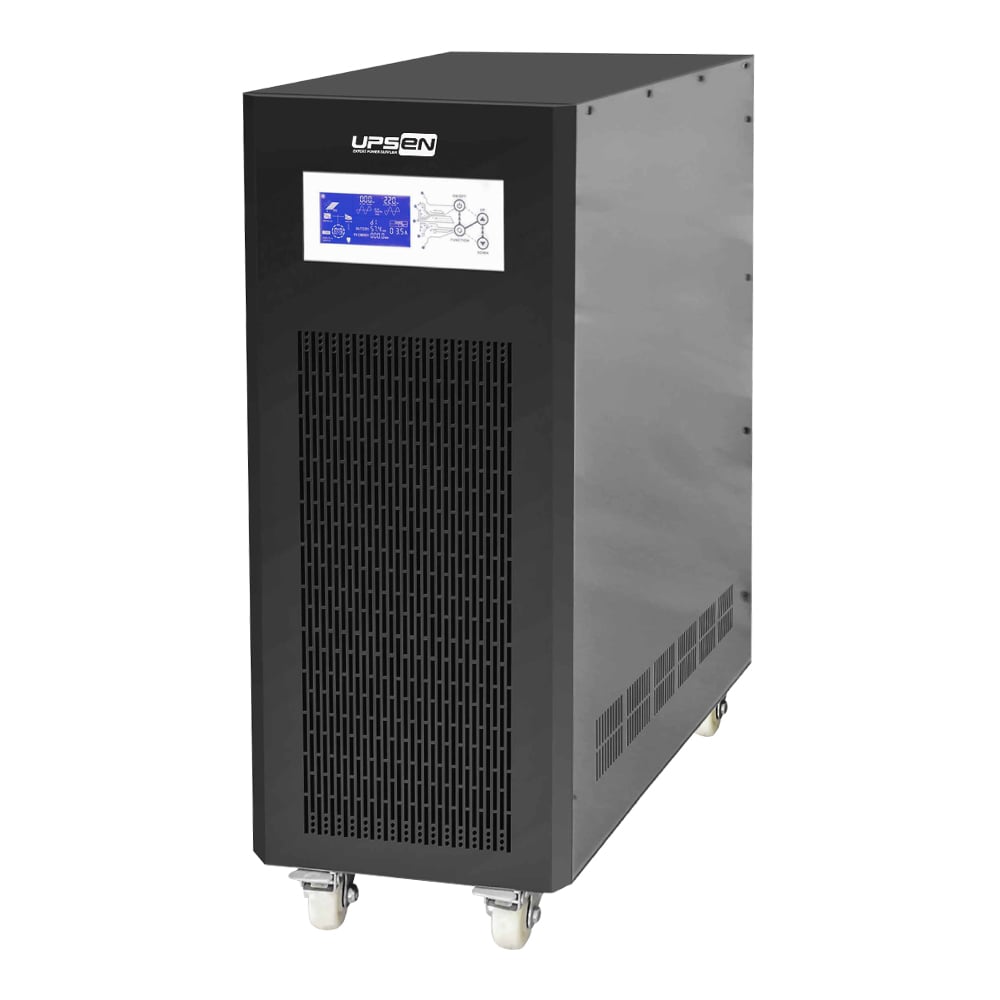
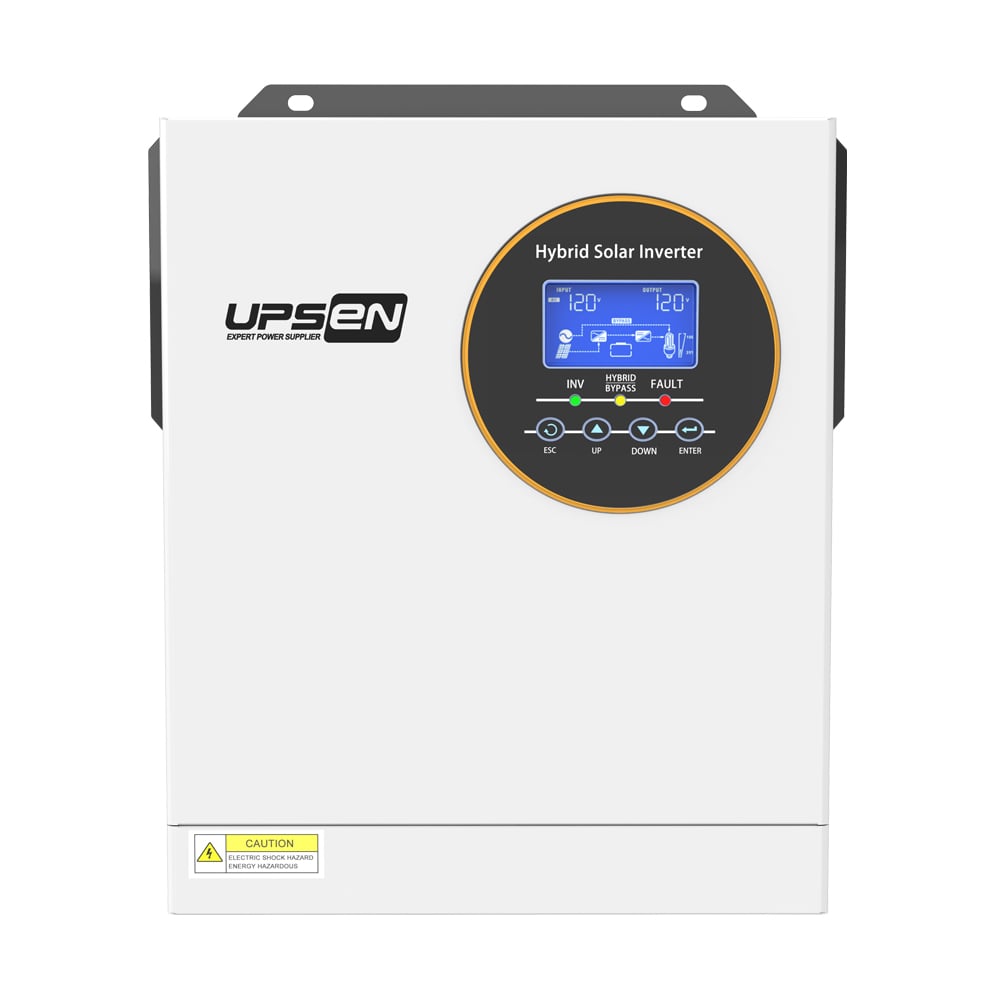
· Intelligent CPU Control
· Auto restart while AC is recovering
· Boost and buck AVR for voltage stabilization
· Cold start function
· Off-mode charging
· Optional USB or RJ45 port
· Optional LED or LCD panels
· The UPS has mute function when the UPS is in battery mode
· The LCD display can be turned off when the UPS is in AC/Battery mode
| Model | PD650 | PD850 | PD1000 |
| Capacity | 650VA / 360W | 850VA / 480W | 1000VA / 510W |
| INPUT | |||
| Voltage | 110V/120 VAC or 220/230/240 VAC | ||
| Voltage Range | 81-145VAC or 145-275VAC | ||
| Frequency | 50 / 60 Hz (Auto Sensing) | ||
| OUTPUT | |||
| Voltage | 110/120 VAC or 220/230/240 VAC | ||
| Voltage Range | ±10% | ||
| Frequency Range(Battery Mode) | 50 / 60 ±1Hz | ||
| Transfer Time | 4 - 6ms | ||
| Wave Form(Battery Mode) | Simulated Sine Wave | ||
| BATTERY | |||
| Battery Model & Quantity | 12V/7AH * 1PC | 12V/9AH * 1PC | 12V/9AH * 1 PCS |
| Charge Time | 8 hours recover to 90% capacity | ||
| PROTECTION | |||
| Full Protection | Discharge, Short circuit and overload protection | ||
| INDICATORS | |||
| LCD Display | AC mode, Battery mode, Load level, Battery level, Input voltage, Output voltage, Overload and low battery | ||
| ALARM | |||
| Battery Mode | Sounding every 4 seconds | ||
| Low Battery | Sounding every second | ||
| Overload | Sounding every second | ||
| Fault | Continuously sounding | ||
| INTERFACE | |||
| Interface | Support windows XP/Vista, Windows 7/8, Linux, Unix, and MAC | ||
| Communication Interface | USB / RJ45 Port(Optional) | ||
| ENVIRONMENT | |||
| Humidity | 0-90%RH @0-40C(Non-condensing) | ||
| Noise Level | Less than 40dB | ||
| Dimension(mm)-W*D*H | 260*270*115 | ||
| N.W.(kg) | 5.8 | 6 | 6 |
| Note : Product Specification are Subject to Change Without Further Notice. | |||
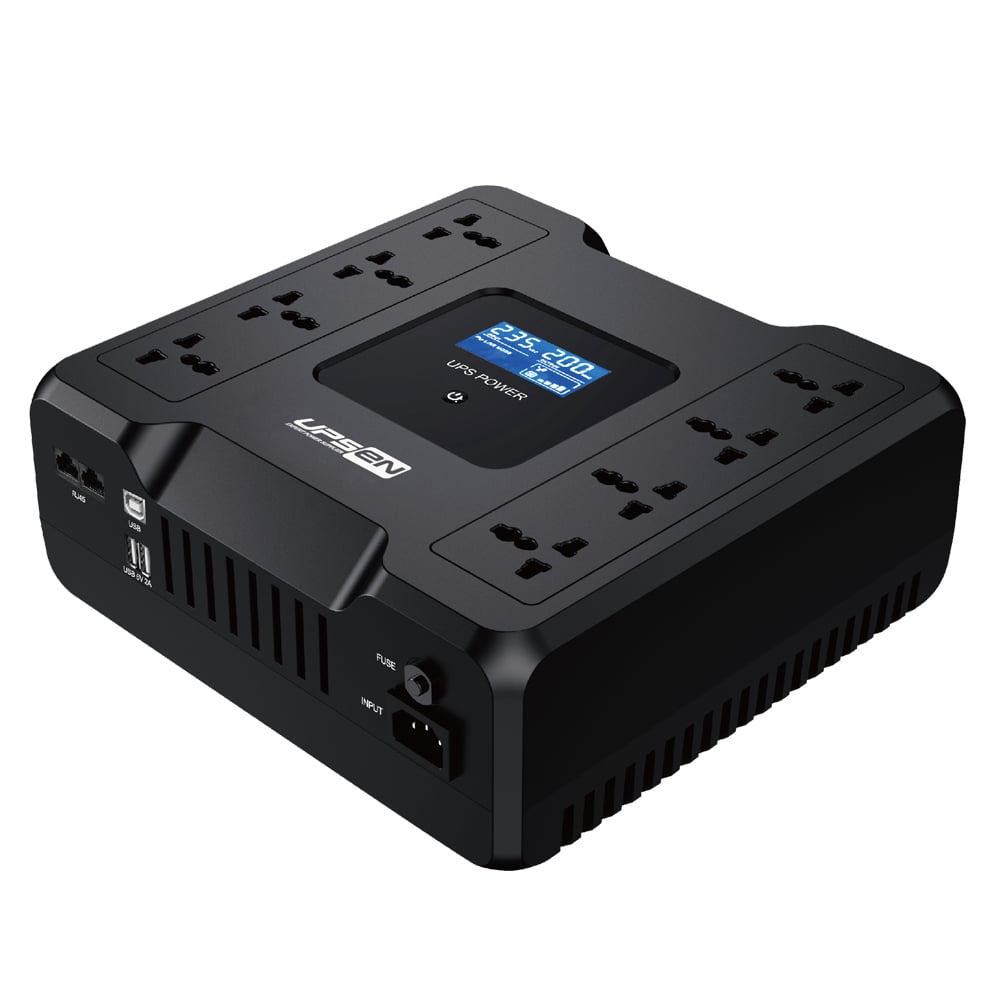
PD Series Line Interactive UPS 650VA-1000VA: The Same Reliable Protection, Now in a Desktop-Friendly Package
If you've ever shopped for a UPS and found yourself thinking, "I just need something that sits on my desk, not another tower taking up floor space," then the PD Series is exactly what you've been looking for. It takes everything we know about building dependable line interactive UPS systems—the same internals and the same intelligent protection you'd find in a full-size tower—and squeezes it all into a compact form factor that actually makes sense for a desk, a shelf, or a tight network closet.
We didn't reinvent the wheel here. We just made it fit where you actually need it.
Same Guts, Smarter Footprint
Let's be honest: floor space is at a premium in most offices, home setups, and retail counters. A traditional tower UPS is fine if you've got an empty corner to tuck it into, but for everyone else, it's just one more thing competing for real estate. The PD Series solves that by going horizontal. It's designed to slide under your monitor riser, sit neatly beside your PC tower, or tuck onto a shelf without demanding its own zip code.
The important part is what didn't change. Inside that compact chassis, you're still getting intelligent CPU control that manages everything from voltage regulation to battery charging. This isn't a stripped-down, feature-light compromise. It's the full package, just in a shape that plays nice with desks.
How It Handles Bad Power Without You Lifting a Finger
The reality of grid power is that it's messy. It sags when everyone on the block kicks on their air conditioning. It spikes when heavy machinery cycles off somewhere down the line. Your computer, your router, your POS terminal—they don't care about the reason. They just see unstable voltage, and over time, that takes a toll.
The PD Series uses Automatic Voltage Regulation (AVR) to clean this up before it becomes a problem. When incoming voltage dips too low, the AVR circuit boosts it back up to a safe level. When it climbs too high, the AVR bucks it back down. The key detail here is that it does all of this without touching the battery. That means your battery stays charged and ready for actual outages instead of getting worn down by routine voltage corrections.
When a real outage does hit, the transfer to battery happens in milliseconds—fast enough that your monitor doesn't flicker and your desktop keeps humming along like nothing happened. You'll probably only know because the room lights went out, not because your equipment skipped a beat.
Features You'll Actually Use (And Some You Might Not Notice)
We packed the PD Series with the kind of practical features that make living with a UPS easier, not more complicated.
Cold start capability is one of those things you don't think about until you need it. If the power is completely out and you need to fire up a device anyway—maybe to pull a file off a desktop or check a security feed—you can start the PD Series straight from battery. No wall power required.
Off-mode charging is another quiet convenience. You can plug the UPS into the wall, leave it turned off, and it'll still charge its battery. That's handy if you're setting up equipment in stages, or if you keep a spare UPS around for emergencies and want it fully juiced without powering anything.
For monitoring, you've got options. Choose between a USB connection for basic shutdown signaling, or an RJ45 port for network surge protection and monitoring. We're not forcing you into one ecosystem—pick what works for your setup.
Keeping Things Quiet (In More Ways Than One)
A UPS sitting on a desk shouldn't be a distraction. The PD Series gives you control over what you see and hear.
During an outage, most UPS units start beeping to let you know they're on battery. That's useful information, but after the first thirty seconds, it's just annoying. The PD Series lets you mute the audible alarm while it's running on battery. You still get backup power, just without the soundtrack.
And if you've ever had a UPS with a bright LCD panel glowing in your bedroom or home office at night, you know how distracting that can be. The PD Series lets you turn the LCD backlight off completely, whether it's running on AC or battery. No glow, no distraction. Just a quiet, dark box doing its job.
Who This Thing Is Actually For
The PD Series slots into a lot of different setups without much fuss. Here's where it tends to land:
Desktop computers and home workstations: Keep your PC, monitor, and external drives protected from brownouts and sudden shutdowns. The AVR is especially valuable here, since desktop power supplies don't love being fed unstable voltage day after day.
Printers and scanners: Laser printers in particular pull a lot of current when they fire up. The PD Series handles those surges without breaking a sweat, and the battery backup means you won't lose a print job halfway through when the lights flicker.
POS terminals and retail counters: In a store, every minute the terminal is down is a minute you're not making money. The compact footprint means it fits under the counter, and the AVR keeps the terminal happy even when the grid gets cranky.
Security cameras and DVRs: If you're running a small security setup, losing power means losing footage. The PD Series bridges those short outages and gives you enough time to save recordings before a proper shutdown.
Modems and routers: This one's obvious but worth saying: if your internet goes down every time the power blinks, you're resetting your network more often than you should. A UPS on your modem and router keeps you connected through the little stuff.
The Bottom Line
The PD Series Line Interactive UPS isn't trying to be the fanciest thing on the shelf. It's just a solid, reliable piece of equipment that does exactly what you expect it to do, in a form factor that doesn't get in the way. If you need dependable backup power and voltage regulation for your desktop setup, and you'd rather not dedicate floor space to a tower, this is the version that makes sense.
Same protection. Better shape. No nonsense.

1409-1410, Tongfang Center, the intersection of Zhongxin Rd. and Haoxiang Rd., Xinqiao St., Bao'an Dist., Shenzhen, China.
Copyright © Shenzhen UPSEN Electronic CO., LTD. All Rights Reserved Privacy Policy
 EN
EN